Browser-based image tools
PixNivo
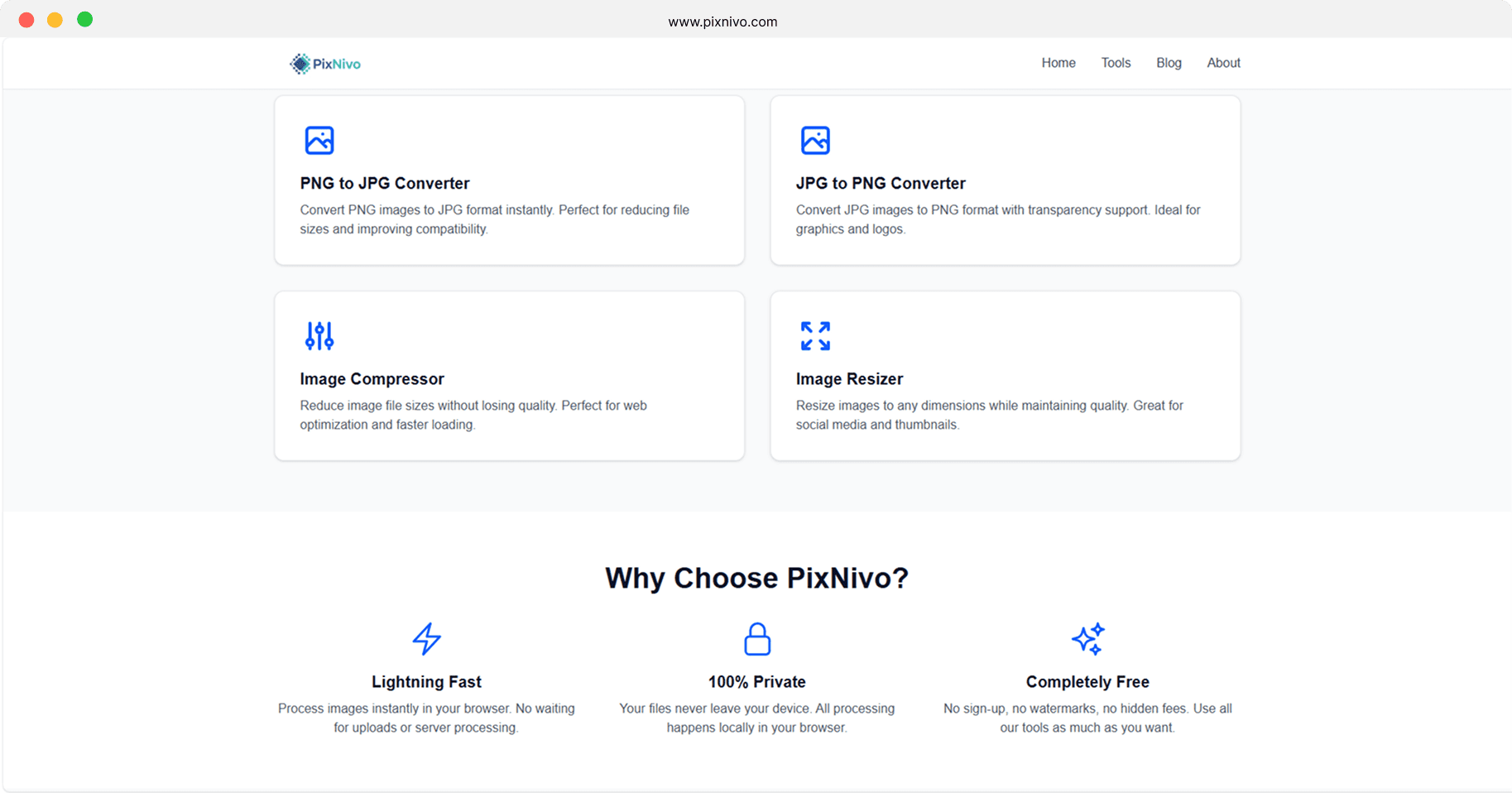
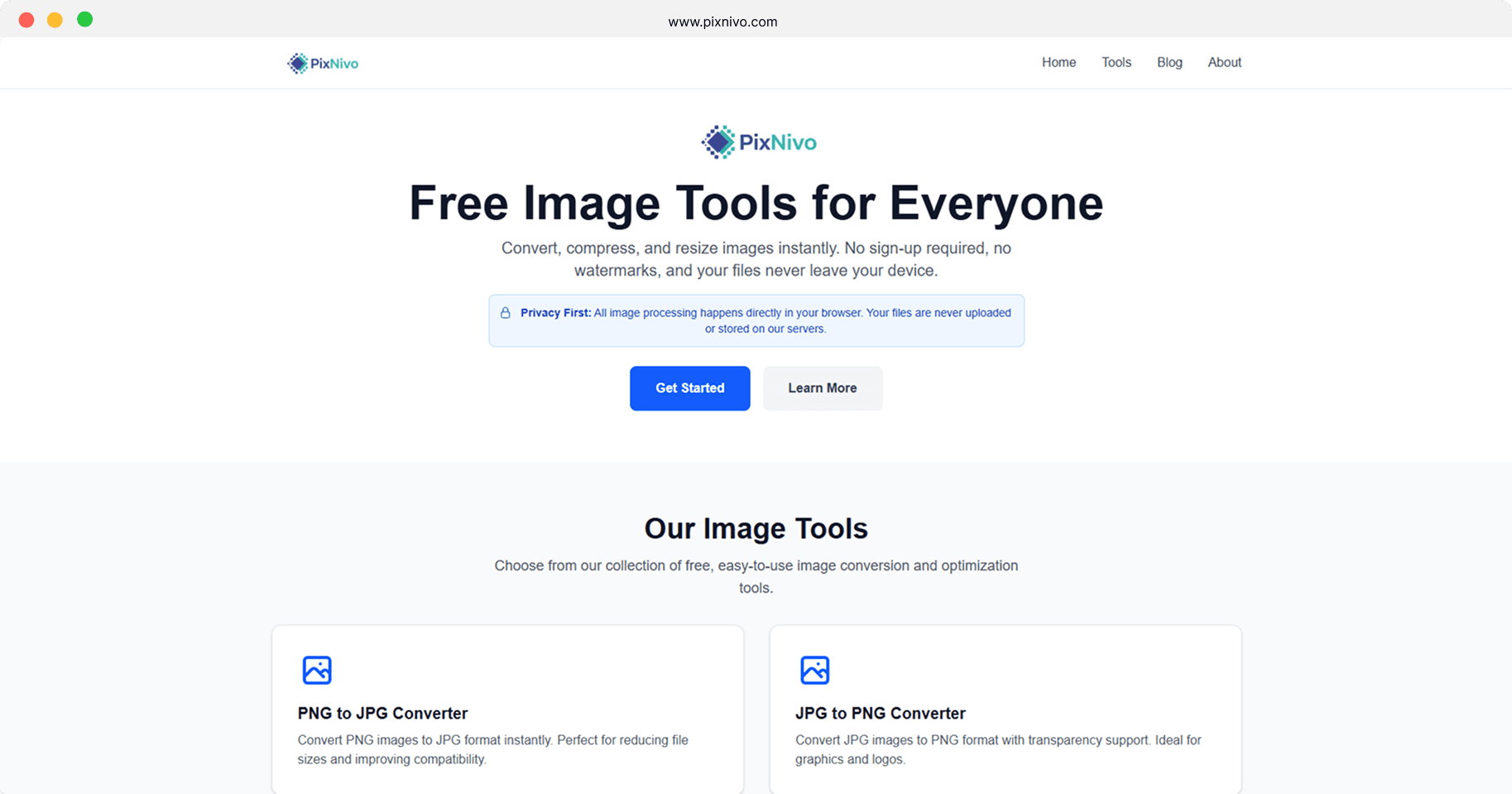
PixNivo is a set of free online image tools: PNG to JPG, JPG to PNG, compression and resizing. All processing happens on the user's device, so there are no uploads, no waiting on a server and no watermarks. Each tool also has its own content page written for search.
- Role
- Front-end development
- Status
- Live and free to use.
- Links
- Visit live site
The problem
Most free image converters upload files to a server, which is slow on poor connections and a privacy concern for personal or work images. Many also add watermarks, limit file sizes or work poorly on mobile.
Approach
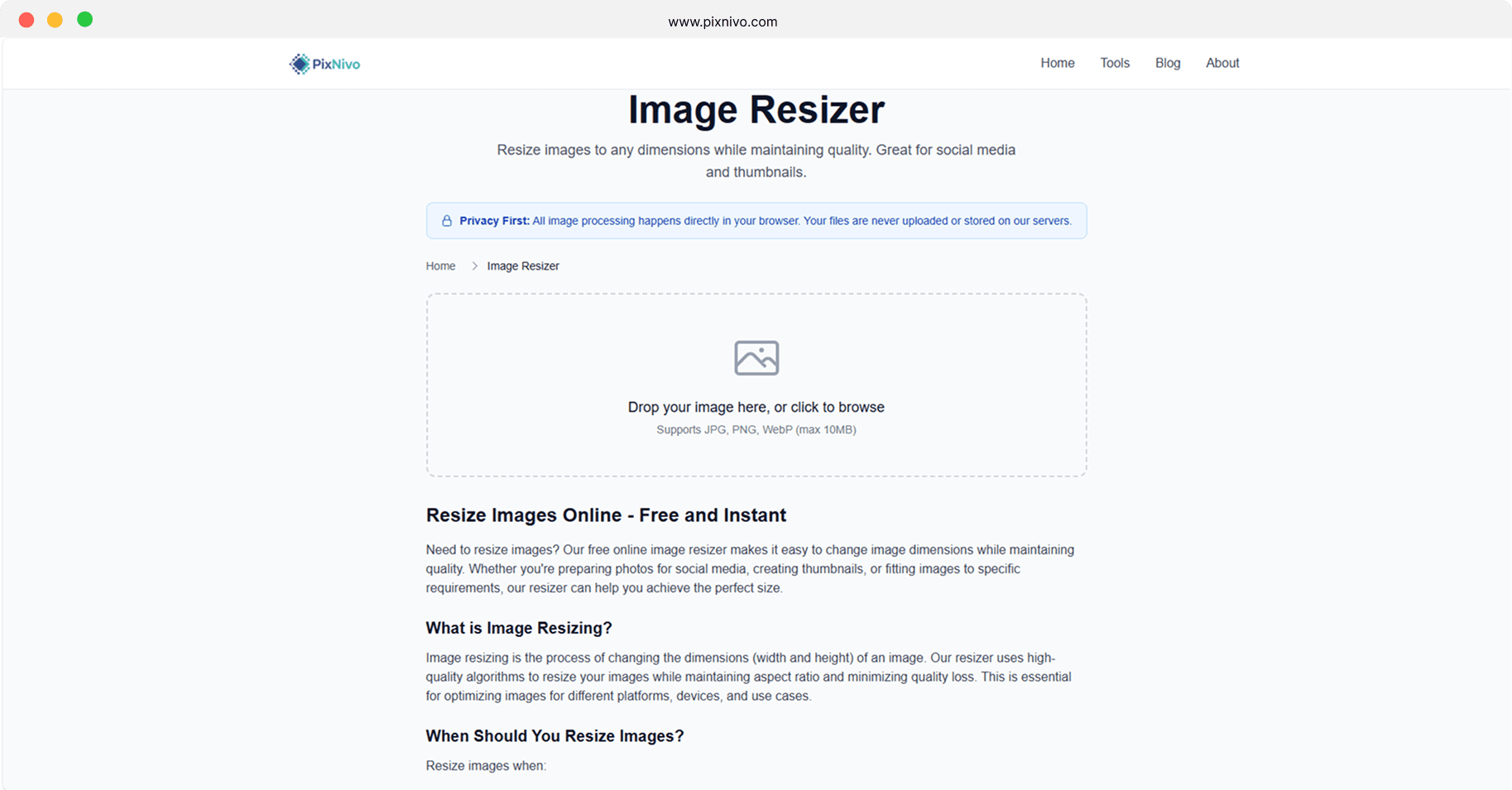
I moved all processing into the browser using the Canvas and FileReader APIs, then kept the interface simple: drop a file, adjust settings, download the result. Each tool lives on its own route with explanatory content so it can be found through search.
What I built
- PNG to JPG and JPG to PNG conversion
- Image compression
- Resizing with aspect-ratio preservation
- JPG, PNG and WebP input up to 10 MB
- Keyboard navigation and screen-reader labels
- Per-tool content pages for search
Architecture
Next.js 16 App Router with React 19 and TypeScript, styled with Tailwind CSS 4. Conversion and resizing use the browser's Canvas API, compression uses the browser-image-compression library, and the site is deployed on Vercel with Analytics and Speed Insights.
Key decisions
Client-side processing only
Processing in the browser removes upload time and keeps files on the user's device. The trade-off is reliance on device memory, which is why inputs are capped at 10 MB.
One route per tool
Separate pages for each conversion task match how people search ('png to jpg', 'resize image') and keep each page focused on one job.
Screens